Menu bar + global hotkey
Pick any screen pixel from the menu bar or the default shortcut Control + Option + C. The hotkey is customizable in Settings.
The Mac pixel picker for developers
Use one global hotkey to inspect any screen pixel, copy production-ready HEX, OKLCH or SwiftUI code, and turn it into a complete Tailwind 50–950 scale. Private and local-first.
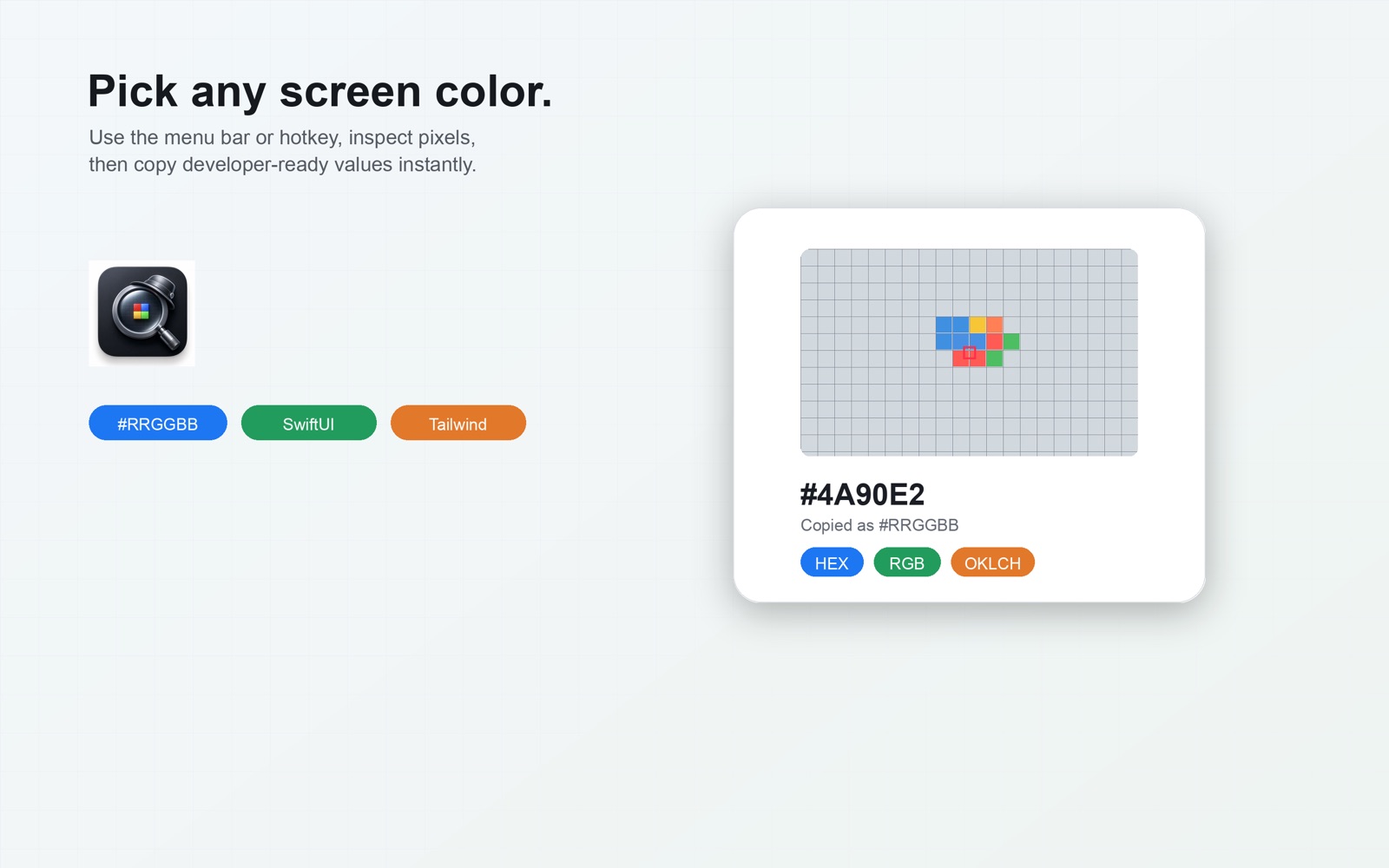
Pick and copy in seconds, then build the color system only when you need it.
Features from the shipping Mac app and its App Store description.
Pick any screen pixel from the menu bar or the default shortcut Control + Option + C. The hotkey is customizable in Settings.
Inspect the exact pixel before you copy. Temporary preview pixels around the pointer are discarded when the picker closes.
HEX, CSS RGB, HSL, OKLCH, Lab, SwiftUI, UIColor, NSColor, and Tailwind tokens. Default copy format is #RRGGBB.
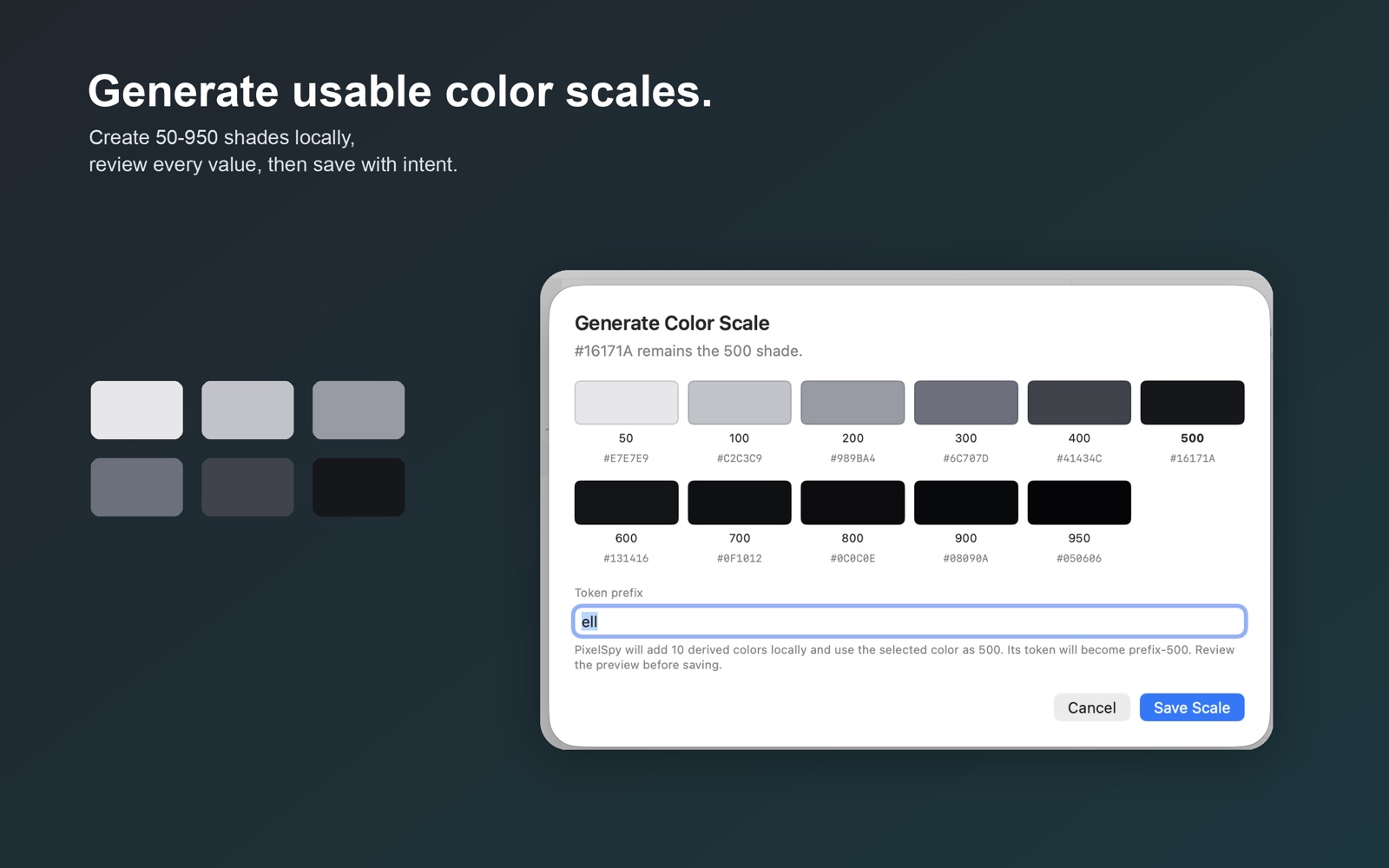
Generate a full shade range from a picked color, preview the values, and save with explicit confirmation.
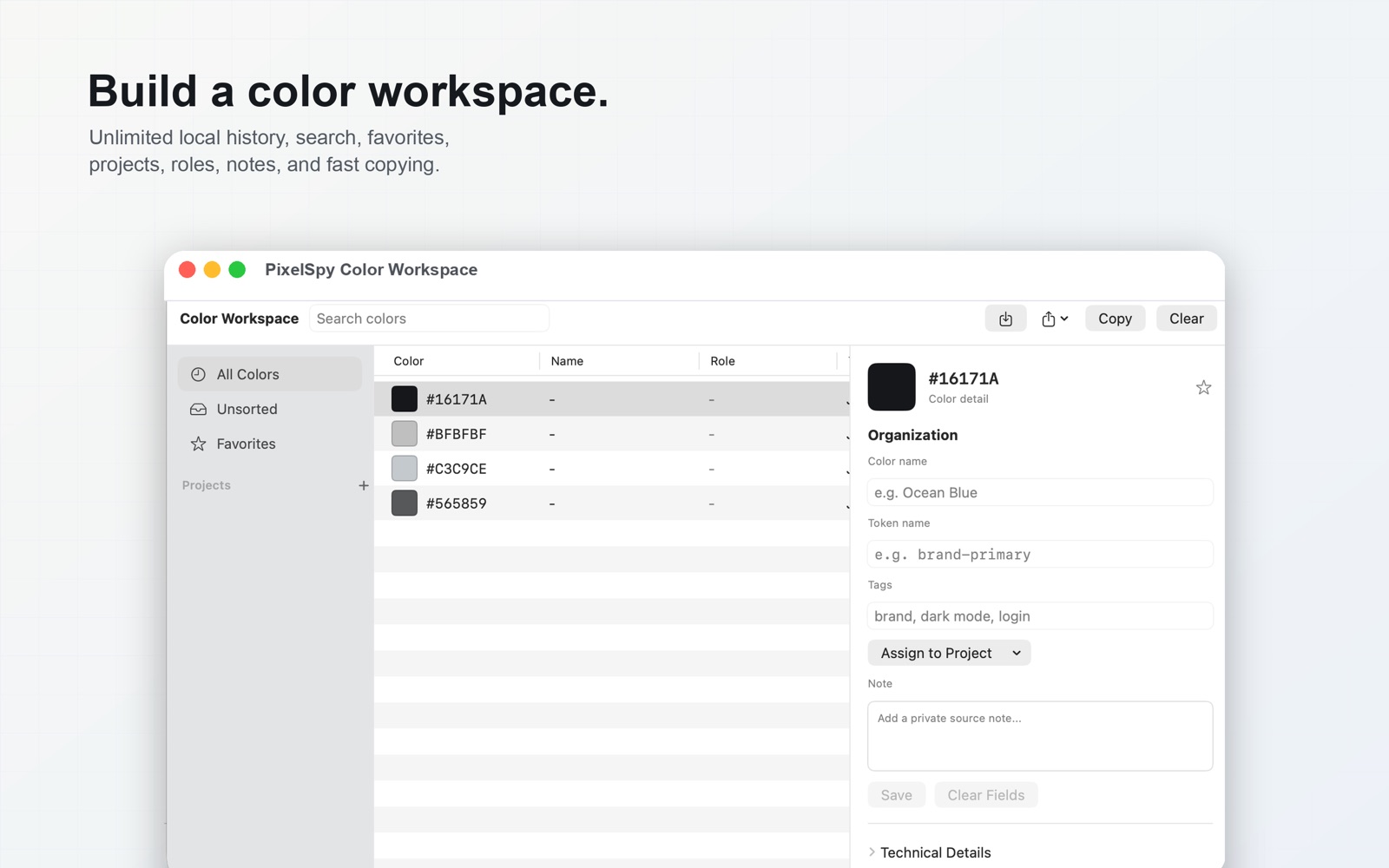
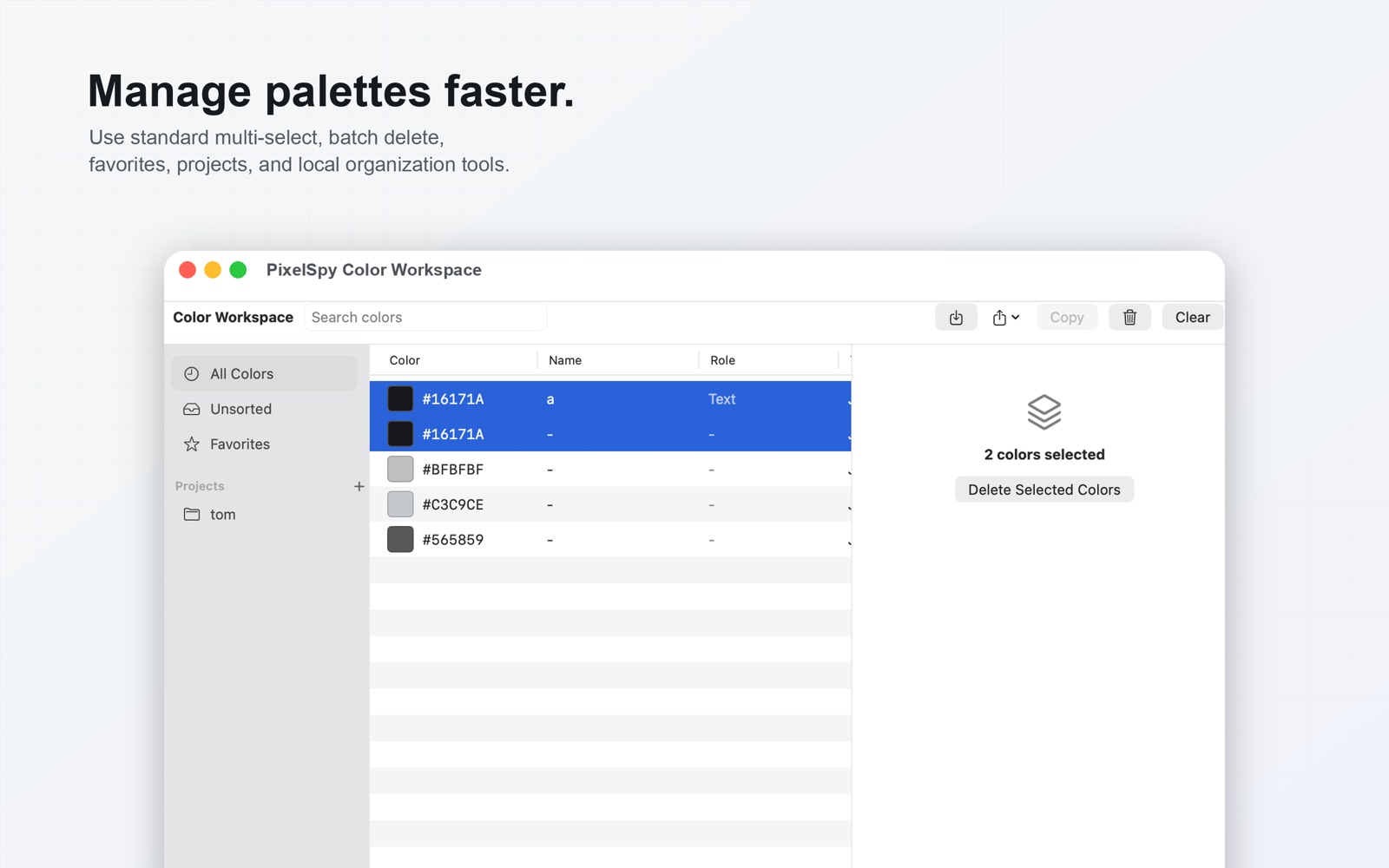
Projects, semantic roles, names, token names, tags, favorites, search, and notes. History stays on the Mac.
WCAG contrast for foreground/background pairs, plus project checks for exact duplicates and token conflicts.
JSON, CSS custom properties, SwiftUI code, Tailwind config, or a PixelSpy archive with merge and replace modes.
No account and no cloud workspace. Screen Recording permission is used only to read the pixel you choose. Screen content is not uploaded.
The app is free on the Mac App Store. Pro is a one-time non-consumable unlock — not a subscription.
The in-app unlock is listed as US$9.99. Local price and tax are shown on Apple’s purchase sheet. Restore Purchases is available in the app.
macOS requires Screen Recording permission for any app that reads screen pixels. PixelSpy uses it only to read the pixel you choose. It does not record video or audio and does not upload screen content for color features.
Color history, projects, notes, tags, and preferences stay on your Mac. There is no PixelSpy account and no cloud sync. Import and export only use files you select in the macOS file picker.
PixelSpy requires macOS 13 (Ventura) or later.
The App Store listing includes English and Chinese. Simplified Chinese is shown when the system language is Simplified Chinese.
PixelSpy may use Firebase Crashlytics for crash reports (stability only, not advertising). See the privacy policy for what that report can include.
Purchases are processed by Apple. Request a refund at reportaproblem.apple.com. We cannot issue App Store refunds ourselves.
Free to download on the Mac App Store. Optional one-time Pro unlock. No subscriptions and no account.