 iOS 17+
DoseBell
Schedule private medication reminders, record confirmations locally, and optionally share privacy-minimized status with trusted caregivers.
zeroordinalsoftwarestudio
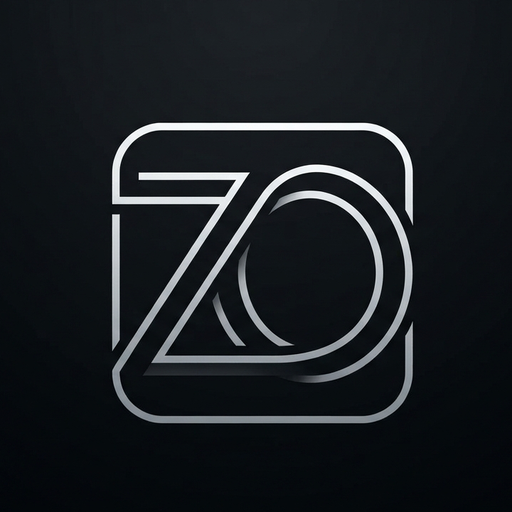
Zero Ordinal makes focused software for iPhone and Mac. Local-first by default — no studio account required.
iOS 17+
Schedule private medication reminders, record confirmations locally, and optionally share privacy-minimized status with trusted caregivers.
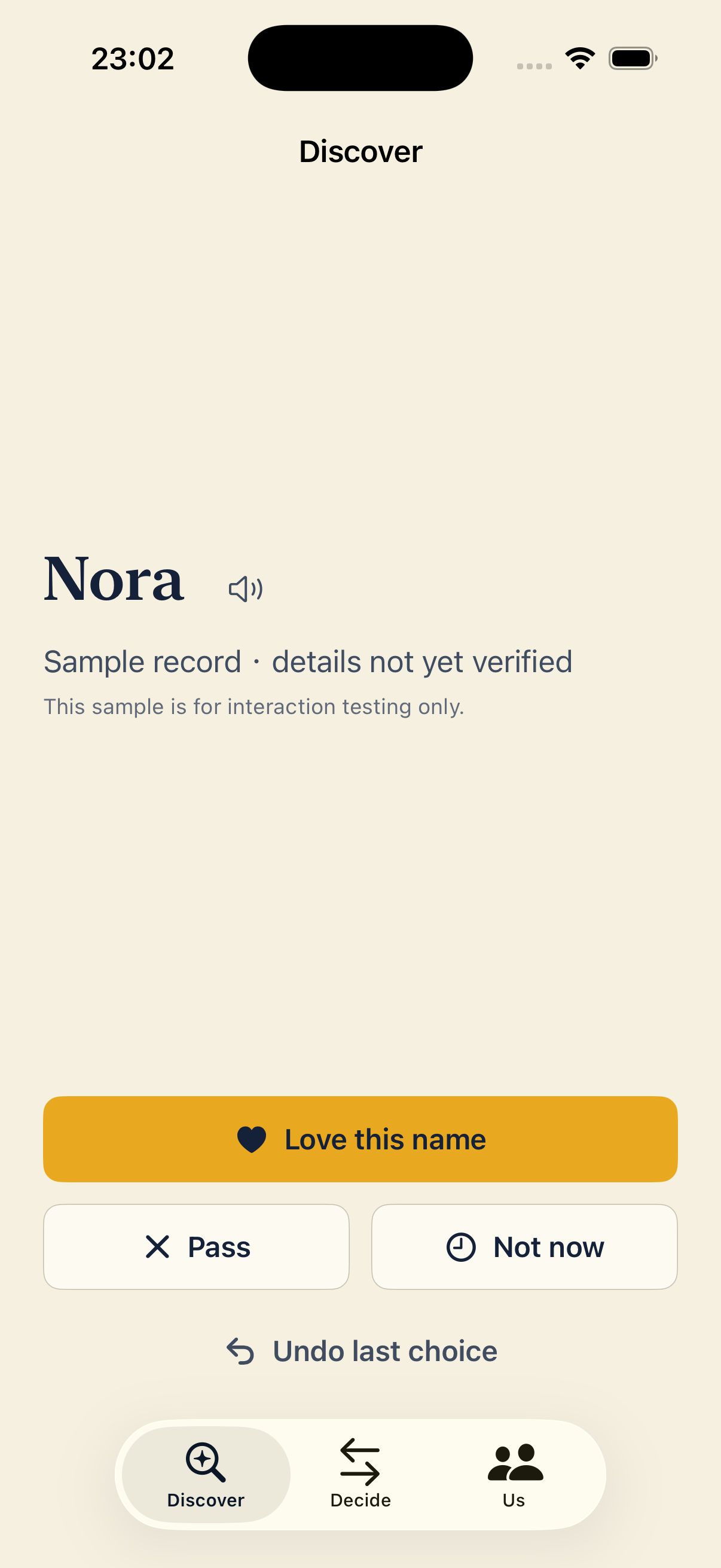
 iOS 17+
Discover baby names privately with a partner, reveal only mutual matches, and use a structured comparison to reach a finalist.
 macOS 13+
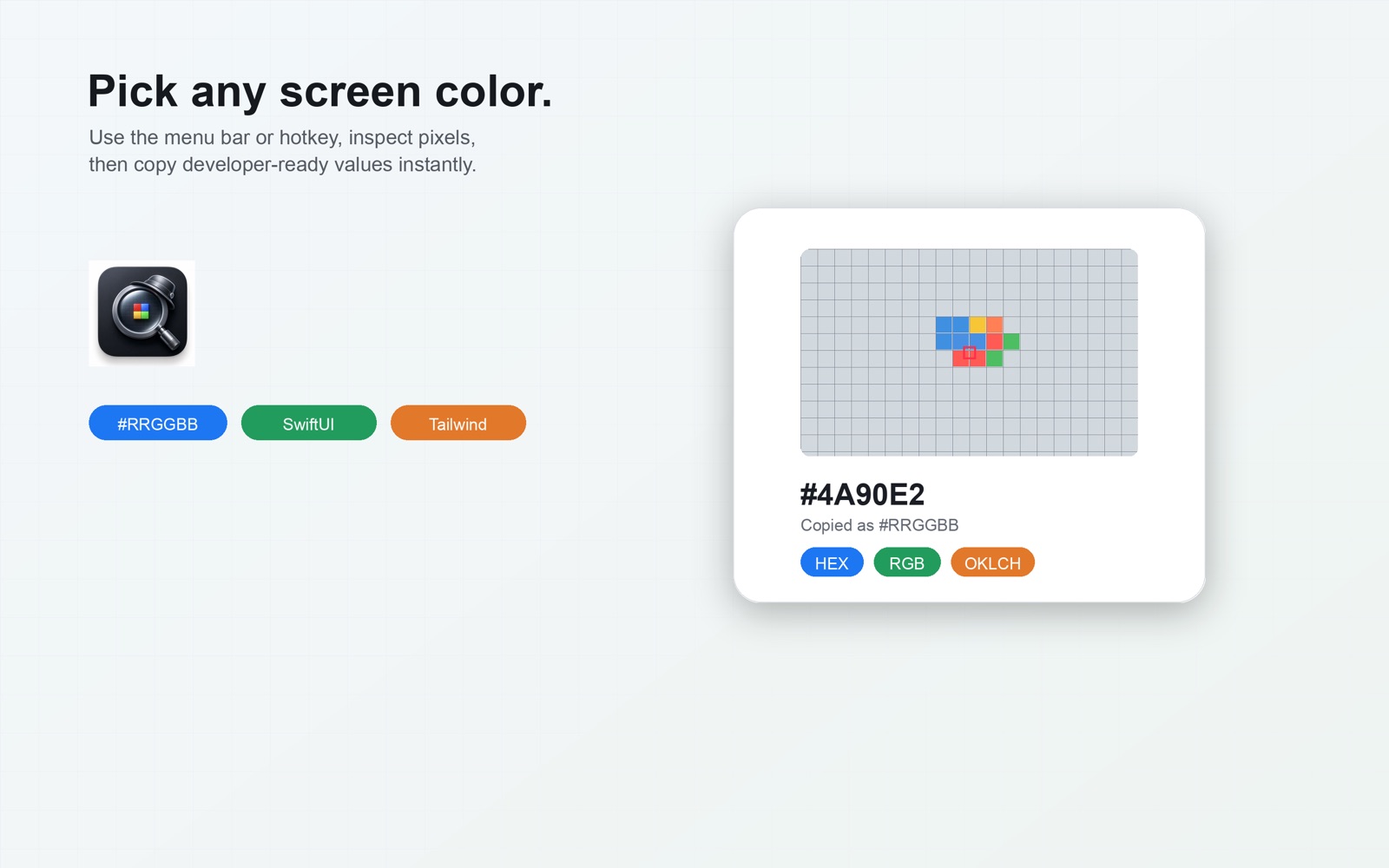
Pick any Mac screen pixel, copy production-ready color code, and generate Tailwind 50–950 scales without uploading screen content.
 macOS 14+
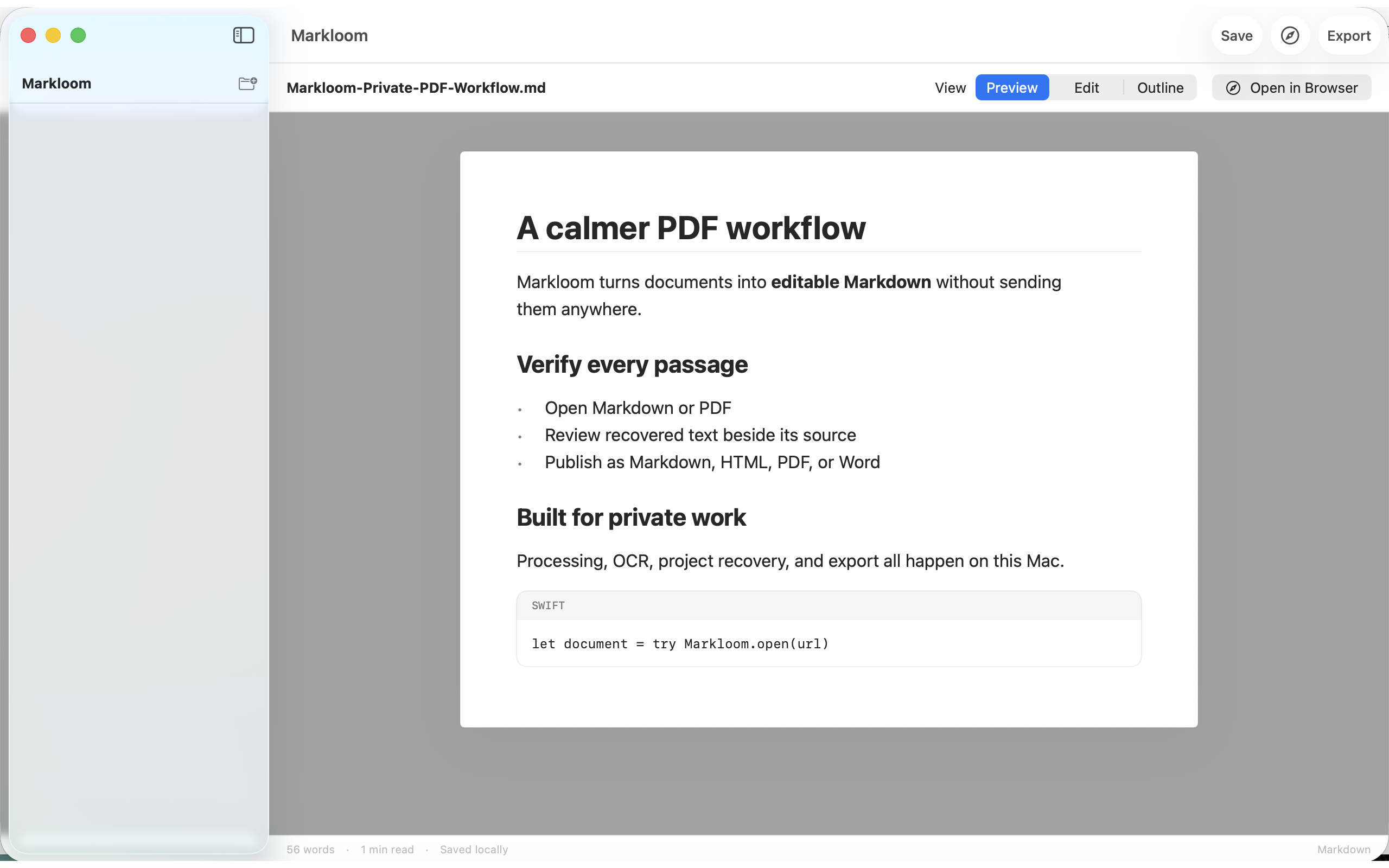
A local-first Markdown workspace. Open Markdown or PDF, recover text with PDFKit or on-device Vision OCR, then export Markdown, HTML, PDF, or DOCX.
 iOS 17+
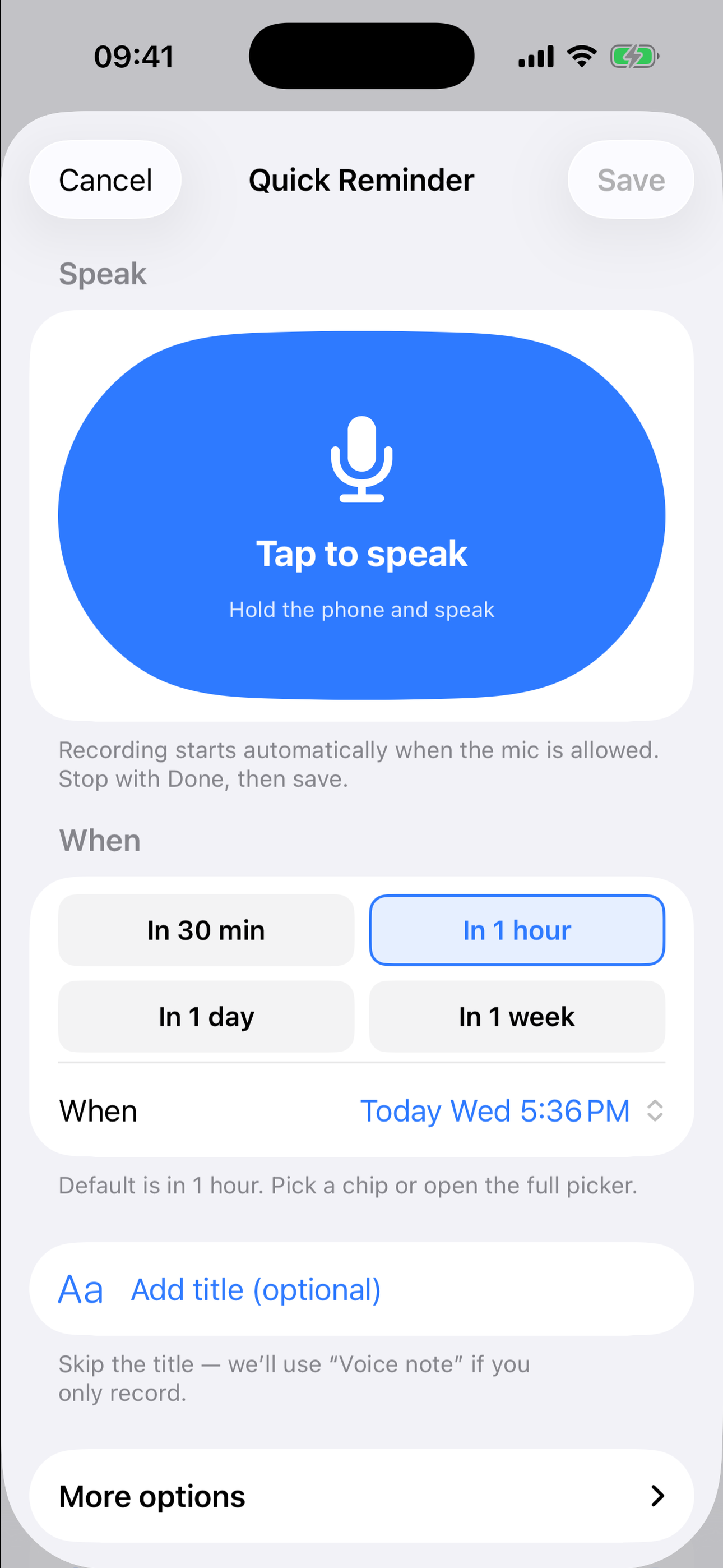
Speak a reminder, get a local notification at the time you choose, then open it to hear your own voice note.
How the apps are built
Reminders, voice notes, colors, and documents stay on the device. The apps do not require a Zero Ordinal account.
There is no Zero Ordinal sync service for app content. Import and export use files you choose on the device.
Downloads and purchases go through the Apple App Store. Support is by email at zeroordinal@gmail.com.
Most answers are on each product page. If you still need help, email us and include the app name, version, and device.