Speak faster than typing
Record a short voice note and attach it to a reminder. A title is optional if a voice note exists.
Voice reminders for iPhone
Lightning Voice is an on-device voice reminder app. Speak what you need to remember, set a time, and get a local notification when it’s due. Open the reminder to play your full voice note — then tap Got It.
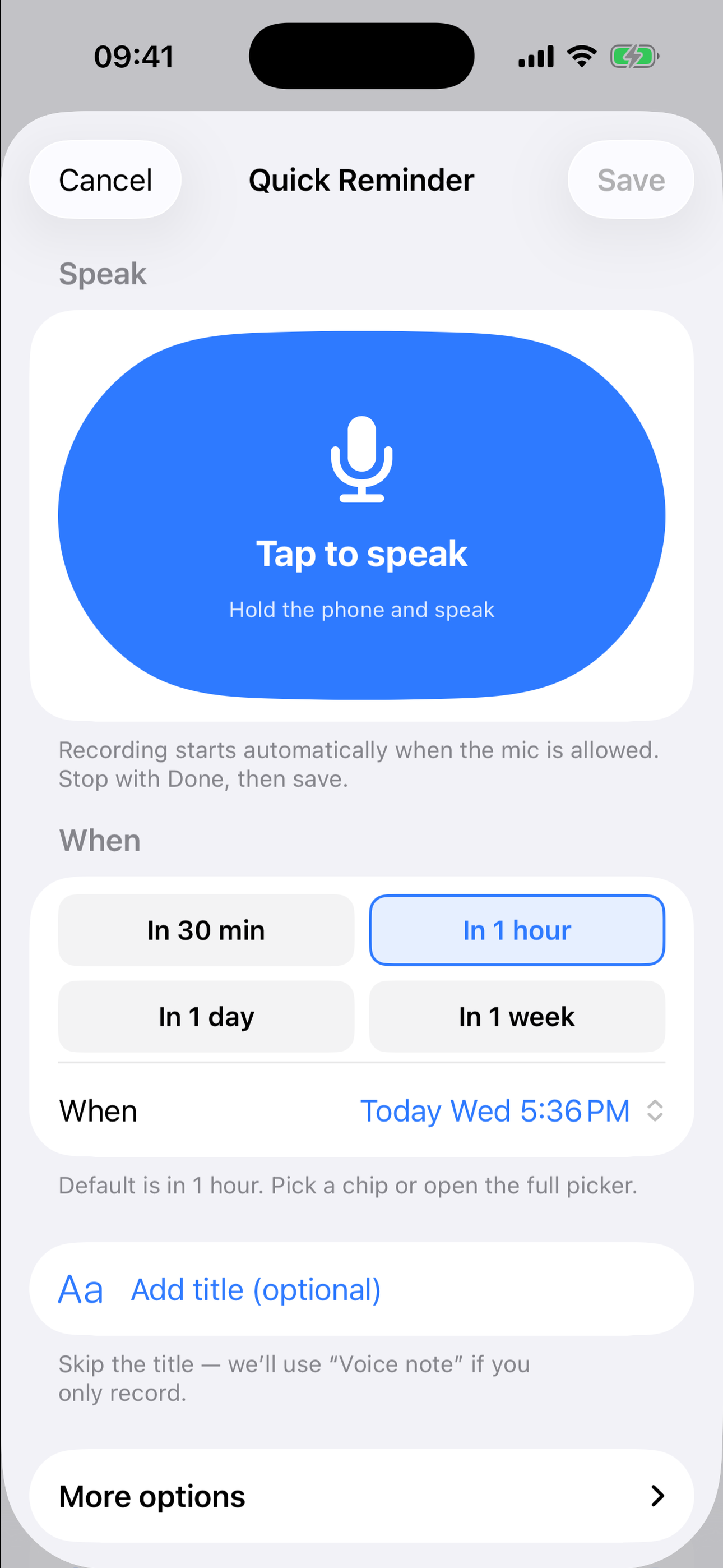
App Store screenshots from the shipping iPhone app.
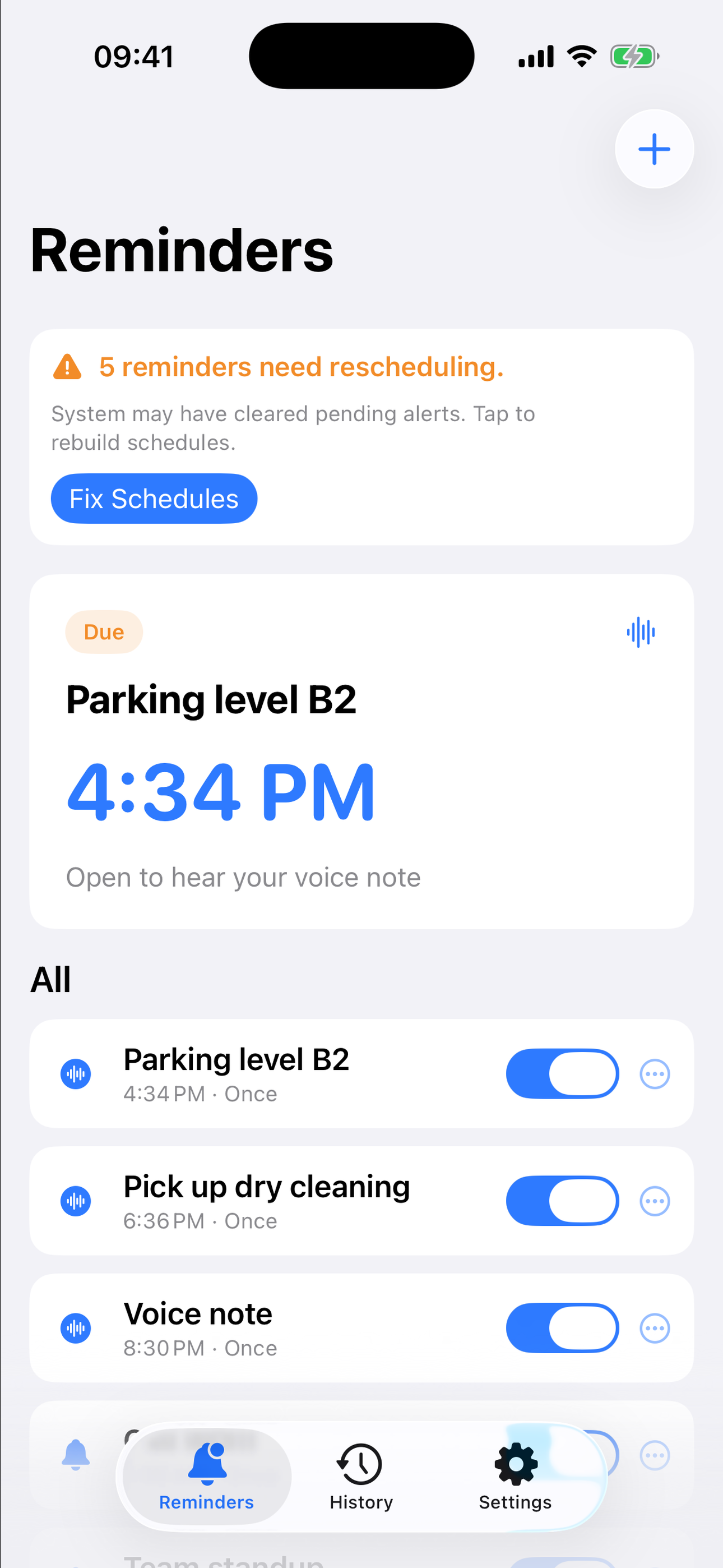
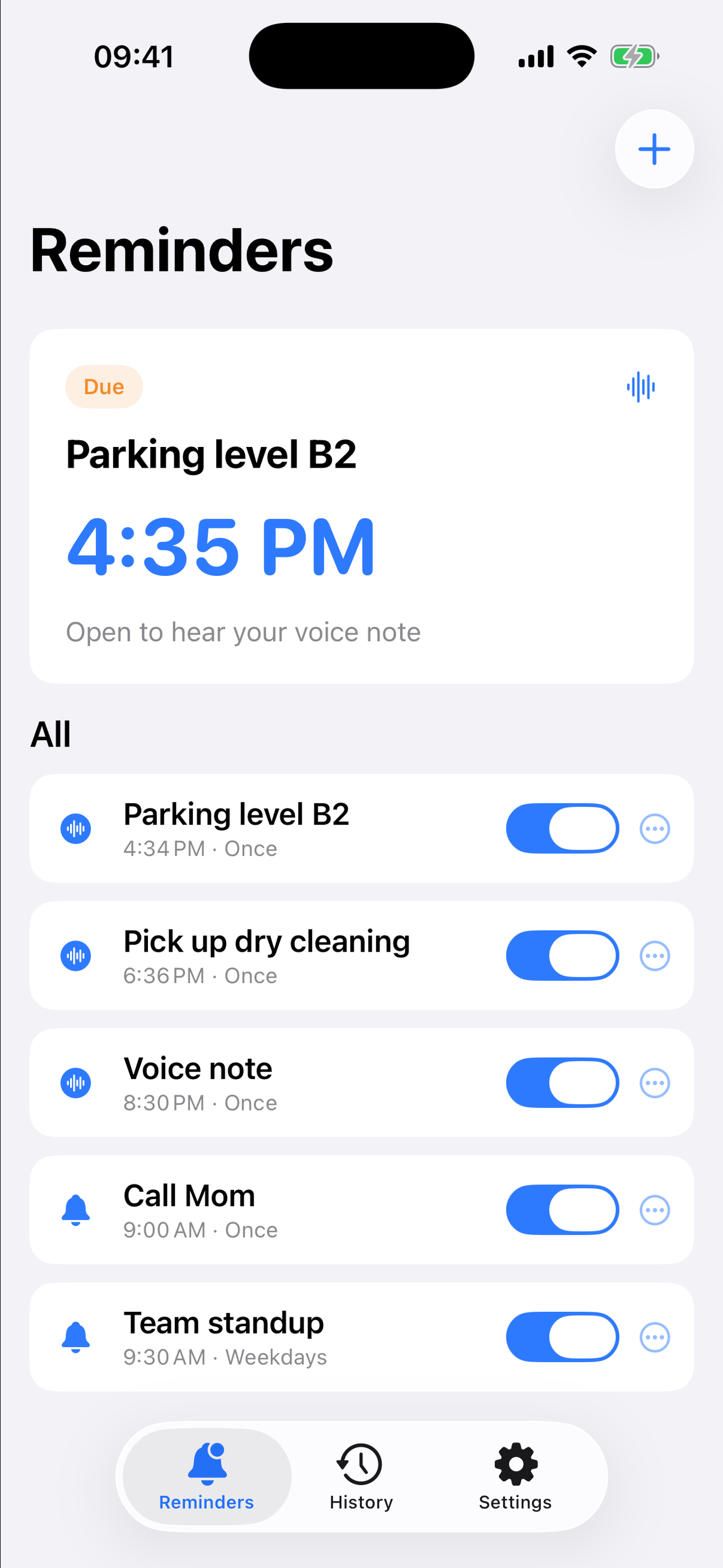
Create with your voice, schedule the time, and let a local notification bring you back.
Record a short voice note and attach it to a reminder. A title is optional if a voice note exists.
Use chips such as 30 minutes or 1 hour, or open the full time picker. Repeat on weekdays is available under more options.
Alerts are generated on the device. You receive a short notification — the full voice note plays after you open the reminder.
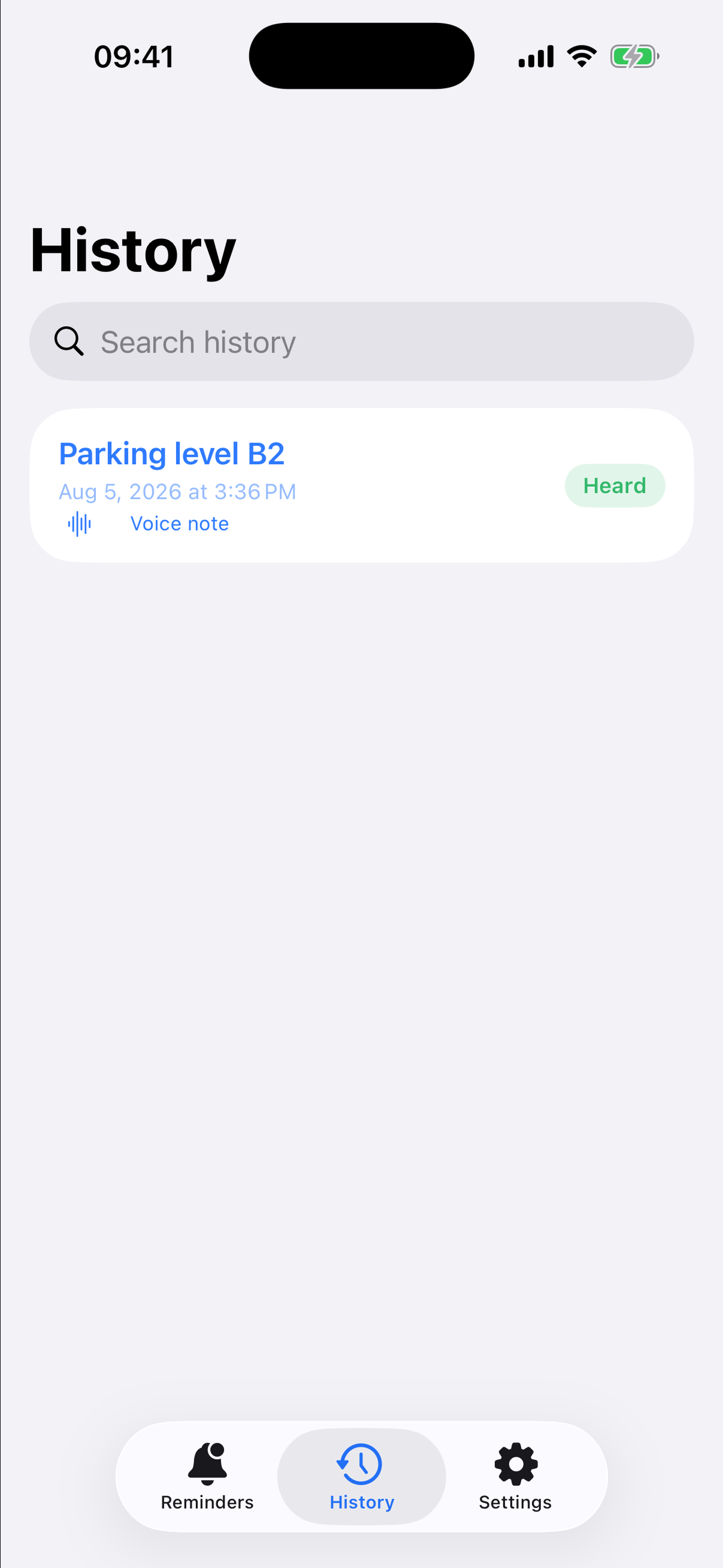
Got It marks the firing handled. History keeps heard and missed items on this device, including playback.
Home Screen widget for the next reminder. Control Center and Siri can open New Voice Reminder on supported systems.
Reminders and recordings stay on the device. There is no Zero Ordinal cloud sync and no account.
Notifications follow iOS settings, including Focus, the mute switch, and Low Power Mode. This is a reminder app, not a system alarm.
The mic is used when you start a recording. The app does not continuously listen in the background.
Listening to your notes and viewing full history are not locked. Pro only lifts the enabled-reminder cap.
Prices and trial eligibility are confirmed on the Apple purchase sheet. Manage or cancel a subscription in iOS Settings → Apple ID → Subscriptions.
Speak or type a reminder, schedule the time, and the app sets a local notification on your iPhone. When it fires, open it and play your recorded voice note, then mark it Got It.
No. The banner is a short alert. The full voice note plays after you open the reminder. Auto-play can be turned off in Settings.
Notifications follow iOS system settings. Focus modes, mute, Low Power Mode, or denied notification permission can limit alerts. Lightning Voice is not an AlarmKit alarm.
On your device. Deleting the app without a backup erases local content. This version does not sync with iCloud.
No. The microphone is used only when you start a recording.
Purchases are handled by Apple. Manage or cancel a subscription in iOS Settings under your Apple ID → Subscriptions. Restore is available on the paywall and in Settings.
Speak it once. Get notified on time. Hear it back in your own voice.