Open Markdown or PDF
File → Open accepts Markdown (.md, .markdown), PDF, or a .markloom project. A PDF is processed locally.

PDF & Markdown for Mac
Markloom is a local-first Markdown workspace for macOS. Open Markdown directly, or convert text and scanned PDFs into editable Markdown — then select a recovered passage to jump back to its page and highlighted source region.
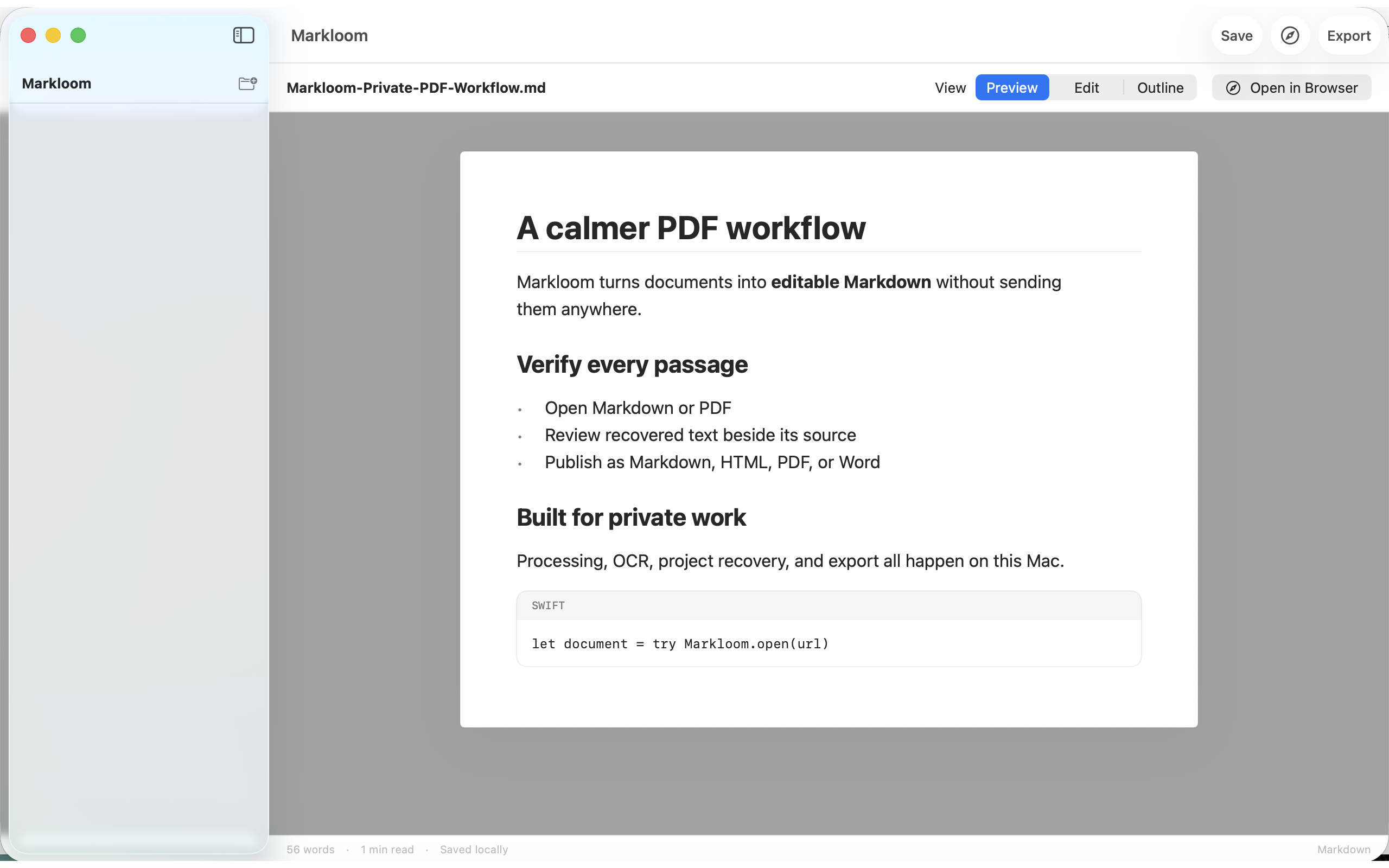
Captured from the shipping Markloom 1.0 window.
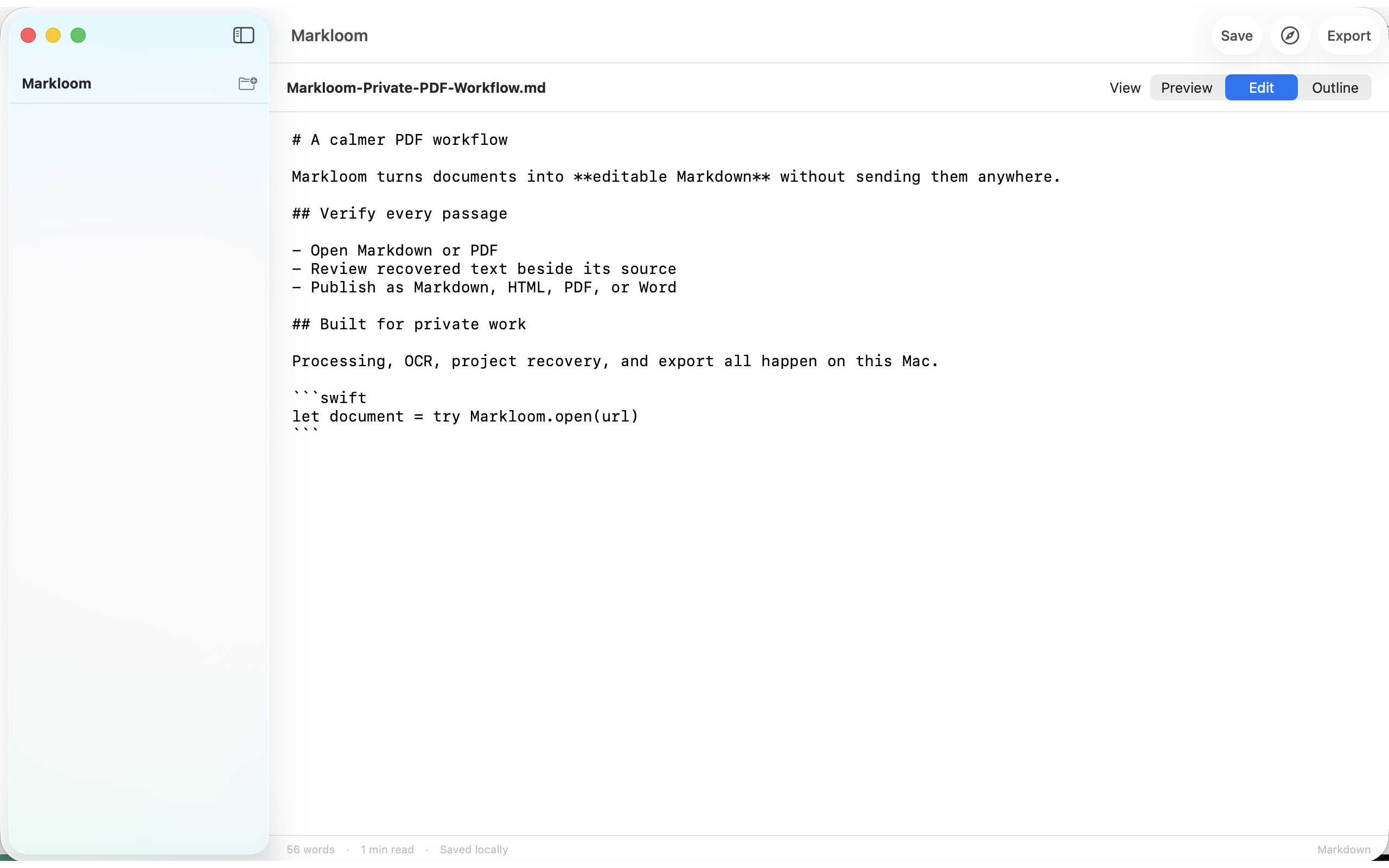
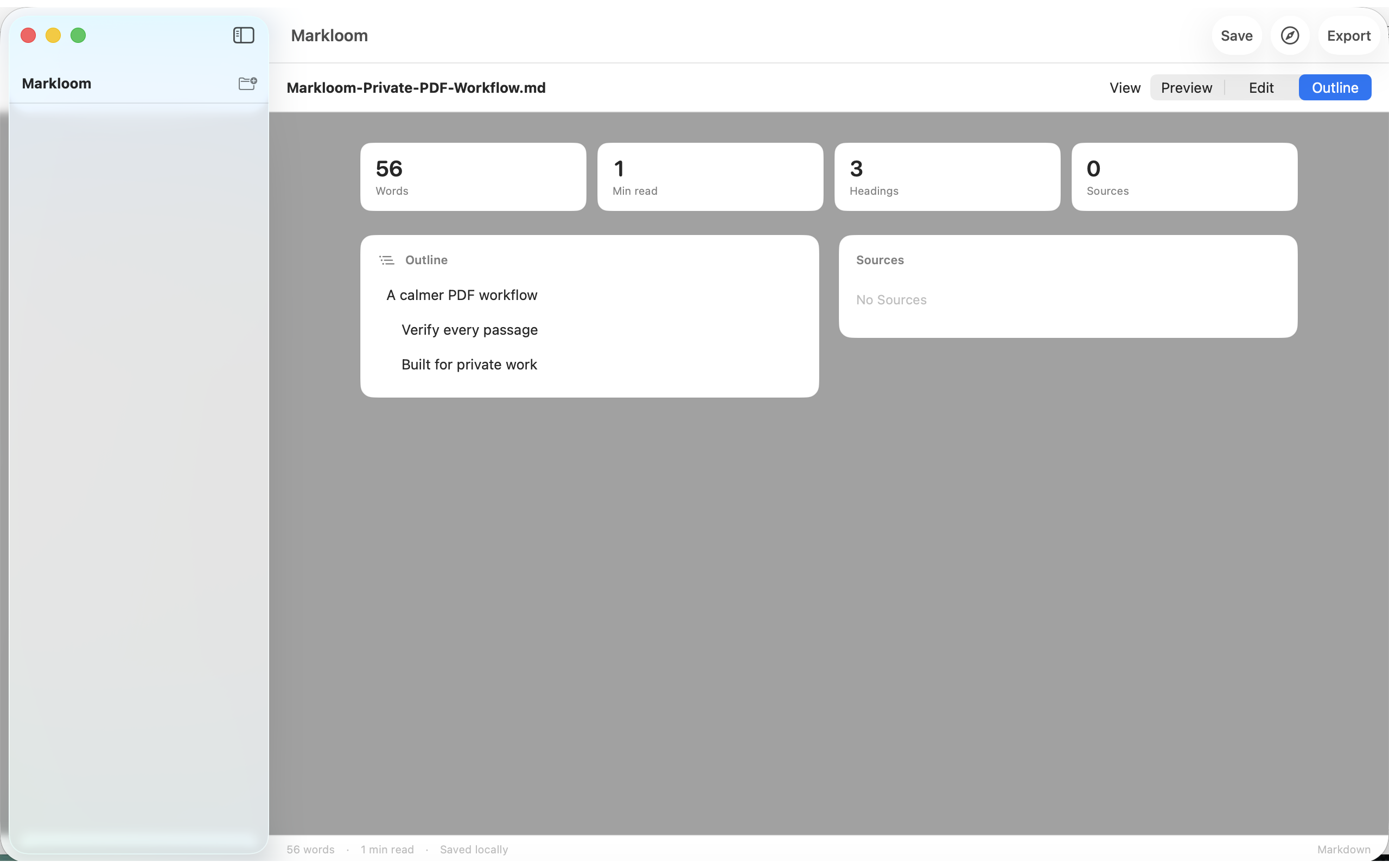
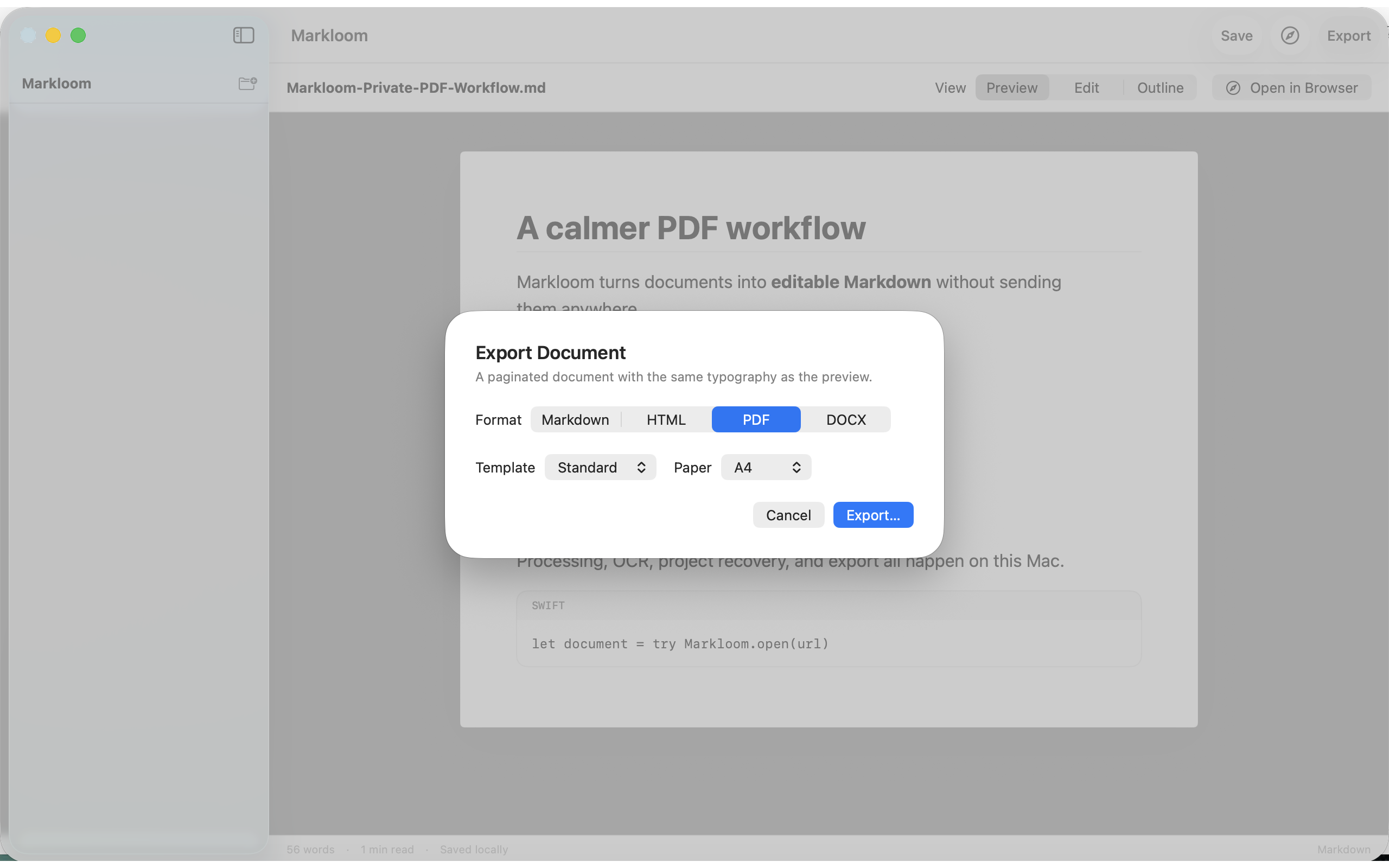
From the product and App Store materials. Processing stays on your Mac.
File → Open accepts Markdown (.md, .markdown), PDF, or a .markloom project. A PDF is processed locally.
Text PDFs use PDFKit. Scanned pages use Apple Vision OCR. Parsing runs in an embedded sandboxed XPC service.
Select a recovered passage in the Sources navigator to jump to and highlight its location in the original PDF.
Version 1.0 edits Markdown source, with Preview, Edit, and Outline views. It is not a rich-text or WYSIWYG editor.
Export Markdown, HTML, paginated PDF, or DOCX using Standard or Reading presets. Open a typeset HTML preview in your browser.
Save an open project with its source and provenance, including a canonical snapshot and recovery log.
Markloom has no account, ads, analytics SDK, or third-party runtime dependency. It does not upload documents.
Settings → Privacy shows aggregate counters you can inspect, reset, or export. They are never sent automatically.
Markloom 1.0 has no in-app purchases, subscriptions, or ads. Official distribution is the United States Mac App Store. This site does not host a direct download.
Markloom 1.0 is released under the MIT License. Official distribution is the United States Mac App Store.
These are current product limits, not upcoming promises.
No. Documents, filenames, extracted text, and OCR results stay on your Mac. Markloom does not operate an online conversion service.
Yes. Version 1.0 has no account, subscription, ads, or in-app purchases.
macOS 14 or later.
Not in 1.0. The editor is a Markdown source editor, with Preview and Outline alongside it.
Get it on the United States Mac App Store. This site does not host a direct download. Open Markloom on the Mac App Store.
The Markloom version, macOS version, what you expected, and the exact error shown. Do not send confidential documents. You may optionally attach the local usage summary from Settings → Privacy after reviewing it.
Free on the United States Mac App Store. No account. No upload.